Tap away from to move;
Pinch/Zoom to contract/expand
( X )PrevNext

Mind Body Awareness Tool
Feel Your Energy






Enter a Duration Goal:
Hr.
Min.Select a Pattern to Perform
Left and Right Patterns
Front and Back Patterns
General Patterns
Spontaneous Movement
Mind Body Awareness Tool
Feel Your Energy
Purpose
The purpose of the Mind Body Awareness Tool is to use technology to help people feel their energy.
Method
Move the awareness focus of the screen figure to move your own awareness.
Mood
Play with gentle changes to your awareness as you manipulate the screen figure.
Note
Allow each awareness movement to complete before starting a new one.
Mind Body Awareness Tool
What's New This Version
Voice says the direction you are moving (until you turn off the voice).
Scene images have changed to show more typical energy situations people experience.
Mind Body Awareness Tool Help
App Version 4.0
Contents:
Introduction to the Mind Body Awareness Tool
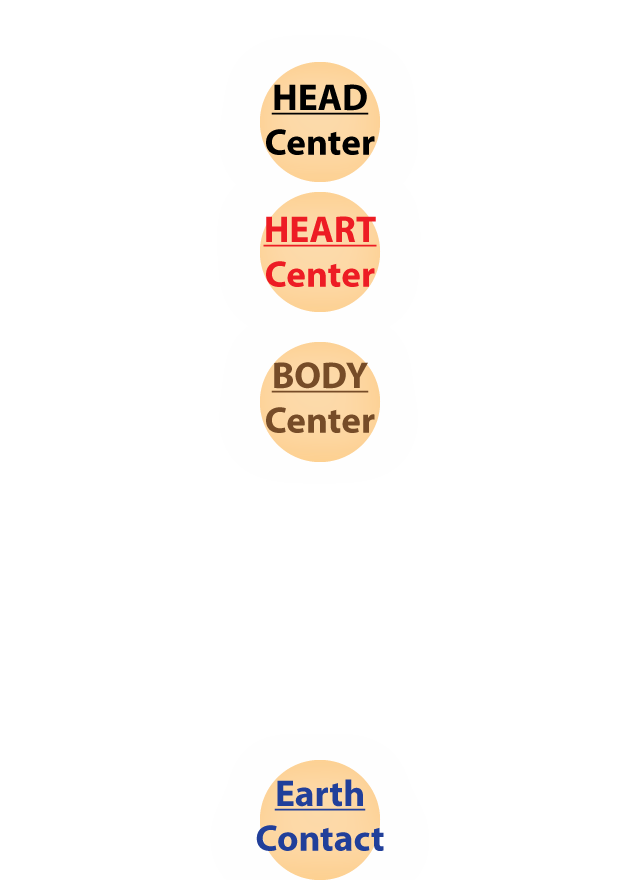
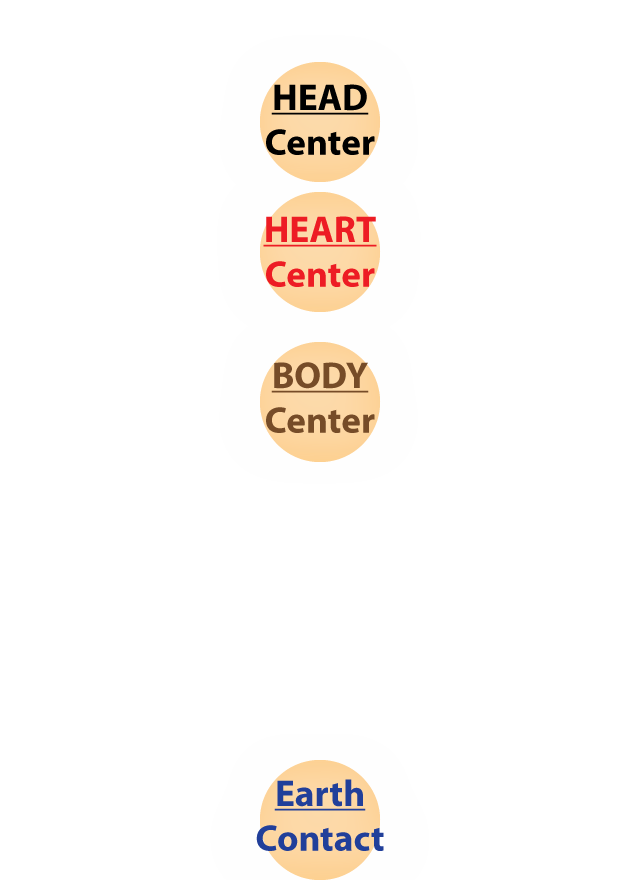
Your awareness focus is indicated by the pulsing center.
Tap the screen toward the location you want your awareness to go.
As your awareness state and location change, your posture changes slightly, and your internal experience changes as well. Your perception of the external world may also change.
To change your awareness, you can:
- ...move it to a new location
- ...make it bigger or smaller
- ...make it faster or slower
- ...make it more complex (square shape) or simpler (circle shape)
Play with changing your awareness on screen and off.
Controls
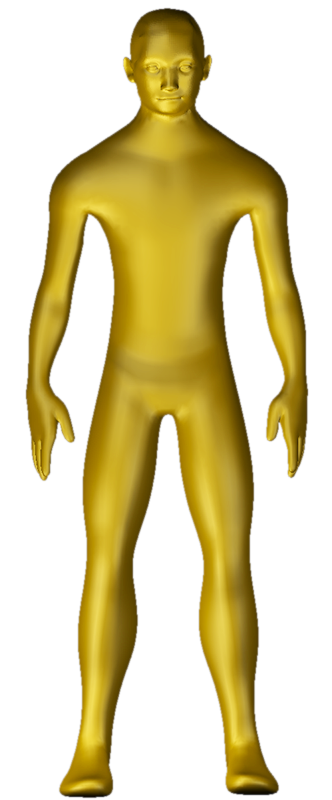
Tap to move the awareness center to a new location. (When Silverman is onscreen, any tap on the left half of the screen moves Goldman's awareness; any tap on the right side of the screen moves Silverman's awareness. So by tapping on the screen just left of the centerline allows you to move Goldman's large awareness into Silverman's space, and vice-versa.)
Tempo Control changes the rate of pulsation of the awareness center and how fast it moves.
Bigger expands the awareness indicator.
Smaller contracts the awareness indicator.
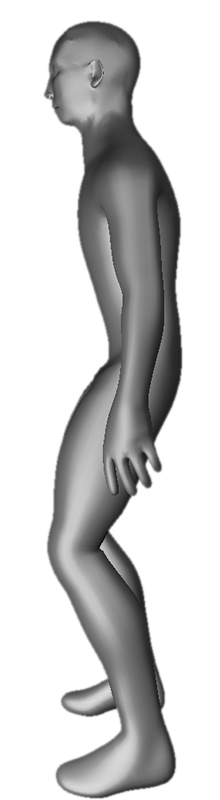
Rotate changes the view from front to side.
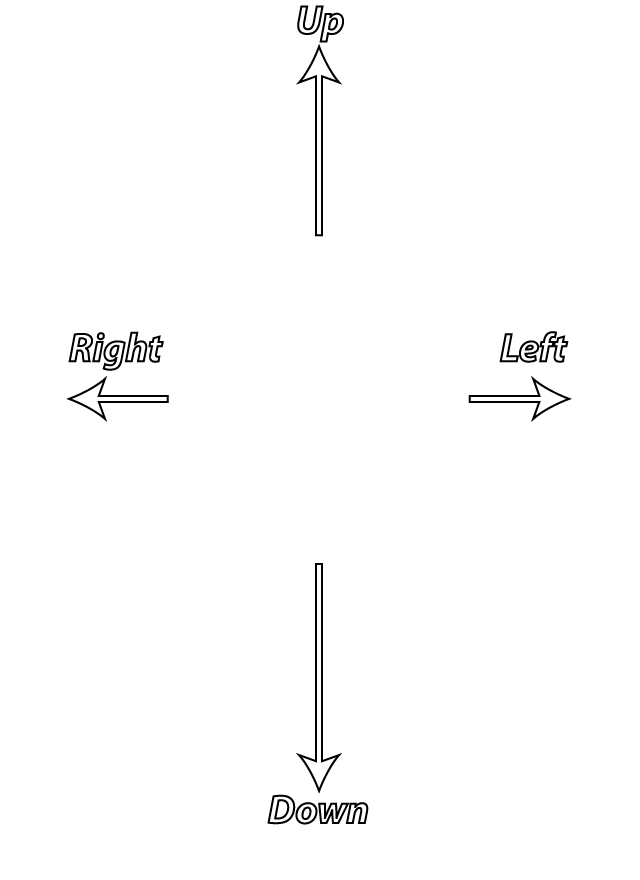
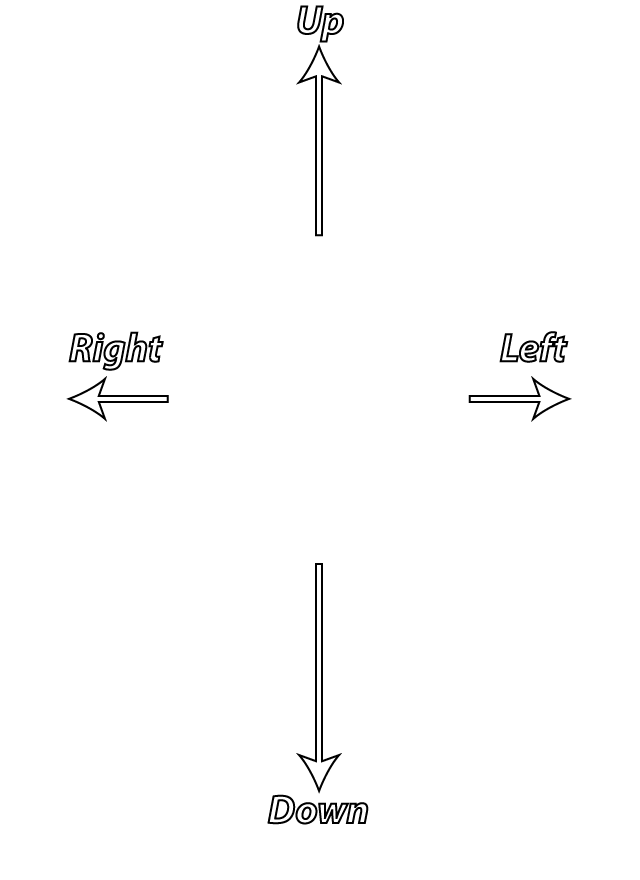
Axes shows or hides the front-back, up-down, and left-right axes.
Shape changes the shape of the awareness between circular, square, triangle-up and triangle-down. The shape indicates something about the quality of the awareness at that location, whether it feels soft, has an edge, or seems more pointed.
Wander/Return changes mode between free wandering of awareness and automatic returning of awareness to the biological center of gravity.
Timer Set a duration and click the button to start a countdown timer.
Partner makes another person or another aspect of yourself appear. It can represent any other aspect of yourself than the usual you. Control this 'Silverman' the way you control Goldman.
Grid shows or hides the grid the awareness center moves on.
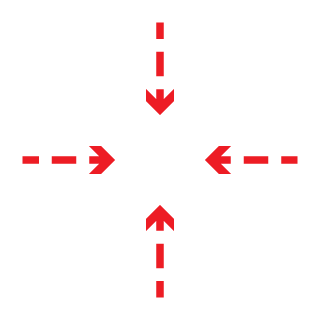
Intention turns the intention arrows on or off. Dotted arrows pointing in mean you are listening, four solid arrows pointing in mean you are putting energy into this space (tap in the center of the shape to do this), a single solid arrow means you are moving the center to a new location.
Maps changes between the sensation locations map, the emotion locations map, and no map. The sensations labels have an orange background, and the emotions labels have a white background.
Scene changes the background color or suggests the energy of the situation you feel. There are 7 scenes: click this button to cycle through them.
Idea! allows you to send an email to someone else, or to yourself, when inspiration comes.
Pattern animates common behaviors that people have. Each pattern repeats two times. The last pattern on the menu is called Minute Workout, and moves the figure randomly for one minute. When the Partner is active, it performs the patterns. Otherwise, Goldman (your avatar) performs the patterns. You can follow it for exercise.
Turn Voice On/Off turns the vocalizations on and off.
Turn Coloring On/Off allows the world to be colored by the awareness center location or not. Usually, moving awareness up shows a warmer color, moving it down shows a cooler color. From the side, the emotions map colors are used. In all cases, bringing the awareness to the biological center of gravity clears the emotional coloring.
Turn Waves On/Off shows on the screen passing events which your body interprets as waves of experience. Their true source may be inside or outside yourself.
Sources
- Dr. Stuart Heller, 6th Dan: how the Five Rings of Musashi map to locations around the human body. (I.e., the Emotions Map in Goldman's side view.)
- Wikipedia: The Four Elements relates to the Five Rings of Musashi model because it explains the meaning of four of the elements (the 5th is space, or emptiness).
- Berkeley Psychic Institute: Energy Channels.
- Tai Chi Master Tony Wong: Wuji Posture (a balanced standing meditation posture).
- Da Lu, Tai Chi Chuan and Meditation: Microcosmic Orbit.
- Ayya Khema audio file on the Insight Meditation technique of body scanning.
- Fredric Lehrman, Prosperity Consciousness (CD Course).
- Kevin Wacknov, Graphic Designer. http://SpiritMath.info
- Mr. Ropa and "Peter Sage."
Mind Body Awareness Tool (c) Kevin Wacknov 2016